PNG → DXF · R2000 + R12

PNG to DXF Converter — Cut-Ready Output

Drop a PNG, get a DXF that actually cuts — closed paths, color-separated layers, units embedded. Processed on your device, never uploaded.

Drop a PNG here — or browse
— or —
ACCEPTS: .PNG · PROCESSED LOCALLY
R12 compatibility mode available
Flat-color graphics → cut-ready · Photos → stylized result
🔒 Files stay on your deviceNo accountNo watermark10 free conversions a day
Proof — in our tests

"R2000 output carries units, so your file opens at the size you drew it. R12 compatibility mode covers older CAM. Every path closed, every layer color-separated — in our tests, a compressed logo that default tracing renders in 88 layers comes out in the teens or better."

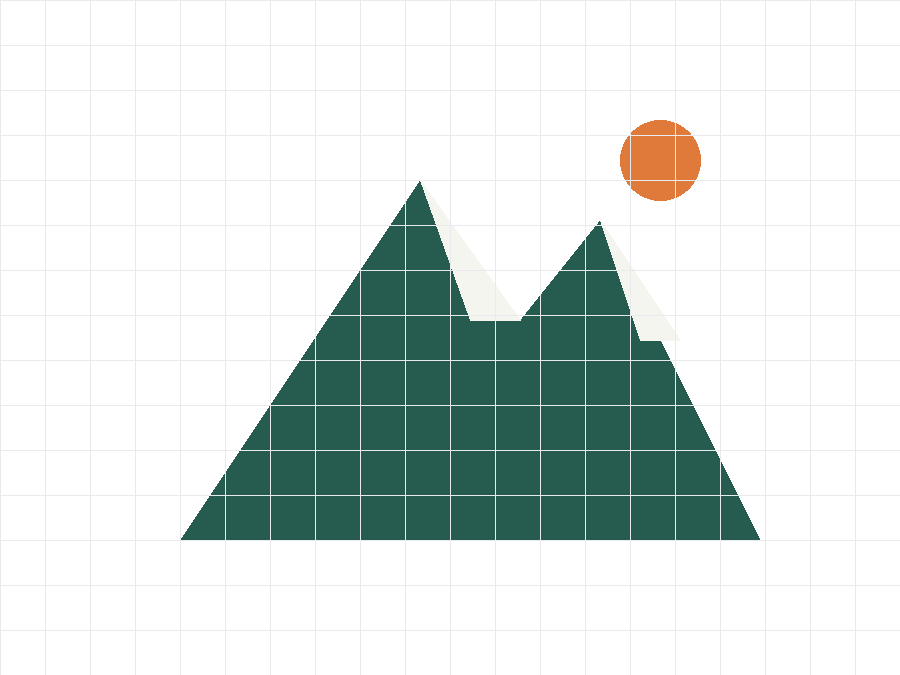
Compressed logo PNG input (synthetic sample) Color-separated clean output (synthetic sample)
⇔
BEFOREAFTER
The problem

A PNG is a picture. Your cutter needs paths.

  • "Your plotter, laser or CNC can't read pixels — it follows paths. A raw auto-trace gives you thousands of loose segments."
  • "Free converters stop at 'here's a vector.' Whether it cuts is your problem."
  • "And most of them want your file on their server first."
The pipeline

From PNG to cut-ready DXF, in your browser

  1. Clean the image first

    Denoise and upscale before a single path is traced.

  2. Trace with parameters tuned to your image

    Not one-size-fits-all defaults.

  3. Export real DXF

    R2000 with units by default, R12 compatibility mode for older CAM, SVG if your machine prefers it.

iNot sure? Keep R2000 — it carries units and opens correctly in LightBurn, AutoCAD and modern CAM. Choose R12 only when your software is older than the format.
Workflow

How to convert PNG to DXF (and get a file that cuts)

  1. Drop your PNG.

  2. Check the layer preview; slide precision if you want a smaller or smoother file.

  3. Download DXF (R2000 or R12) — done.

No sign-up. No watermark. Your PNG never left your machine.

Honest comparison

Why not just use a free tracer?

Free online tracers — including the open-source PixelToPath — stop at SVG. CleanPaths goes the last mile: real DXF export in two versions (R2000 with units, R12 compatibility mode), closed paths, color-separated layers, and a preprocessing pipeline that cleans bad images before tracing. Free tools give you a vector. We give you a cut file.

Free online tracers (e.g. PixelToPath online)CleanPaths
DXF export❌ SVG only✅ R2000 + R12
Units in file❌✅ (R2000)
Bad-image preprocessing❌✅ denoise + upscale + auto-tuned
Closed, color-separated pathsLimited (default settings)✅
Files stay on your device✅✅

Free for 10 conversions a day — every feature above included. Heavy day? Pro lifts the cap: $59, one time.

Get CleanPaths Pro — $59, one time
FAQ
What DXF version do I get — R12 or R2000?
Both, your choice. R2000 is the default and embeds units (mm/inch) so files open at the right size. R12 compatibility mode is there for older CAM software that only accepts the 1992-era format.
Will the DXF work in LightBurn?
Yes — output is all POLYLINE with zero SPLINE entities, which is exactly what LightBurn handles best. Always run a test cut before production.
Does the conversion keep my logo's colors as separate layers?
Yes — output is color-separated so you can assign different cut settings per layer. In our tests a typical flat-color logo lands in the single-digit to teens layer range, not the dozens a default trace produces.
My PNG is small and blurry — can it still work?
Usually, if it's a flat-color graphic. The preprocessing pipeline upscales and denoises before tracing, which is exactly the case it's built for. There's a limit — a 50px smudge has no detail to recover — but try it: it's free and the preview shows you the result before you download.
Can I convert a photo to DXF?
You can, but expect a stylized, posterized result — not cut-ready. This page's promise covers flat-color graphics: logos, icons, line art.
Do you upload or store my PNG?
No. Conversion runs entirely in your browser — there is no upload step. We never receive, see, or store your images or the files you generate. Close the tab and they're gone; we never had them. This is how the tool is built, not a marketing claim. Details in our Privacy Policy.
Is there a daily limit?
Free tier: 10 conversions a day, full quality. Pro removes the cap — $59, one time, no subscriptions.

That logo PNG sitting in your inbox? Convert it before the tab gets cold.

Convert PNG free now
FEEDBACK