See the Difference: Before / After
Every sample below started as the kind of image makers actually receive: a compressed logo, a phone screenshot, a scanned line drawing. Each one shows the input, the traced result, and the file stats — paths, color layers, closed loops. No photographs here: photos convert to stylized art, not cut-ready files, and we'd rather show you that boundary on the tool pages than hide it in a gallery.
Low-res logos
The client special: 150px, saved as JPG, expected back as a cut file.
Hexagon badge logo
150px compressed JPG → 9 color layers
Try this conversion free →Coffee mark logo
Noisy JPEG cleanup + trace in one pass
Try this conversion free →Mountain mark logo
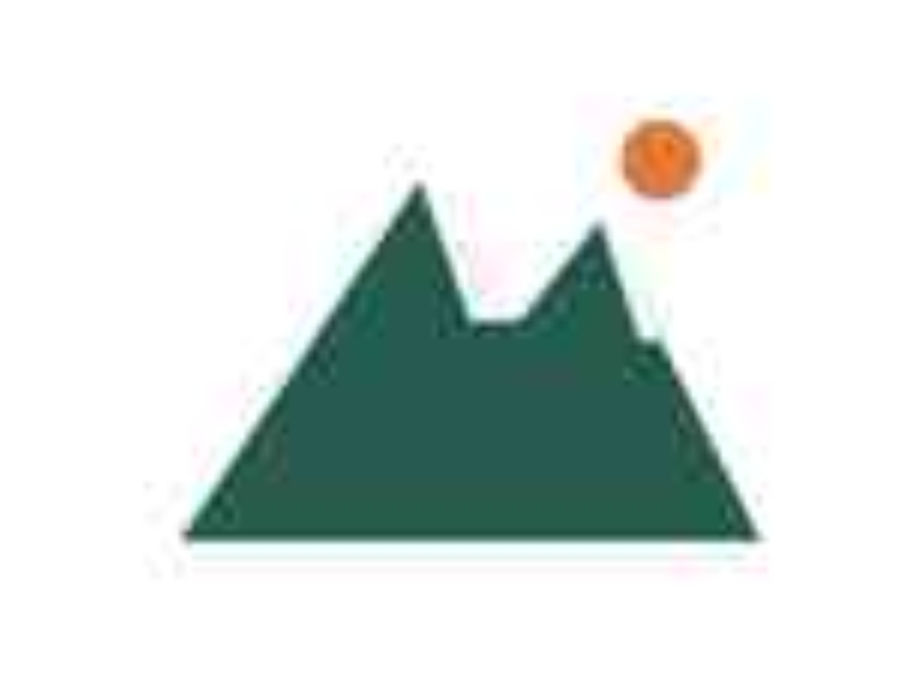
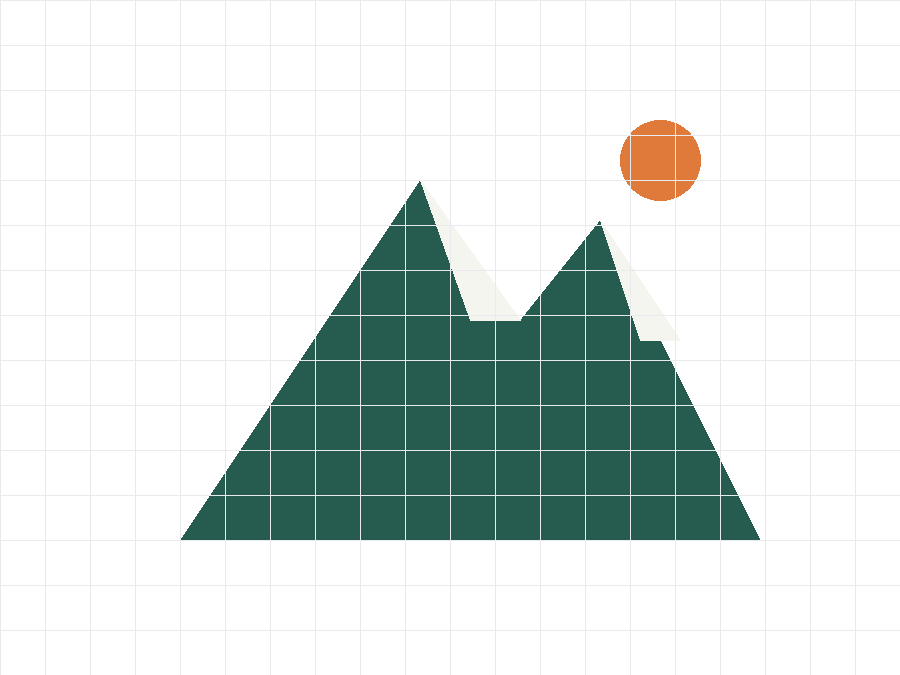
Flat-color mark → cut-ready layers
Try this conversion free →UI screenshots
Flat colors, sharp edges — the cleanest input there is.
Dashboard UI
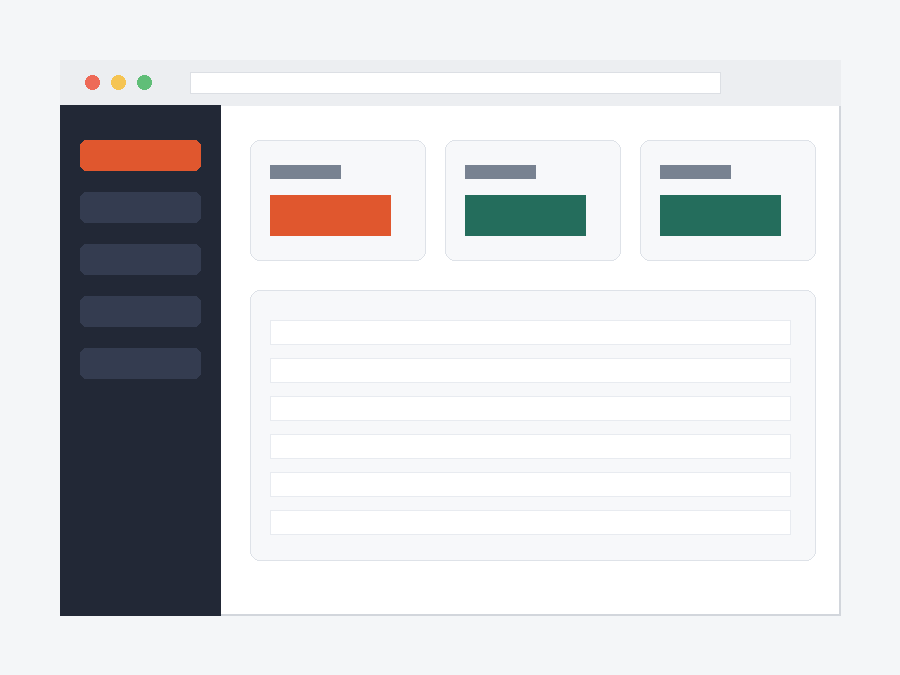
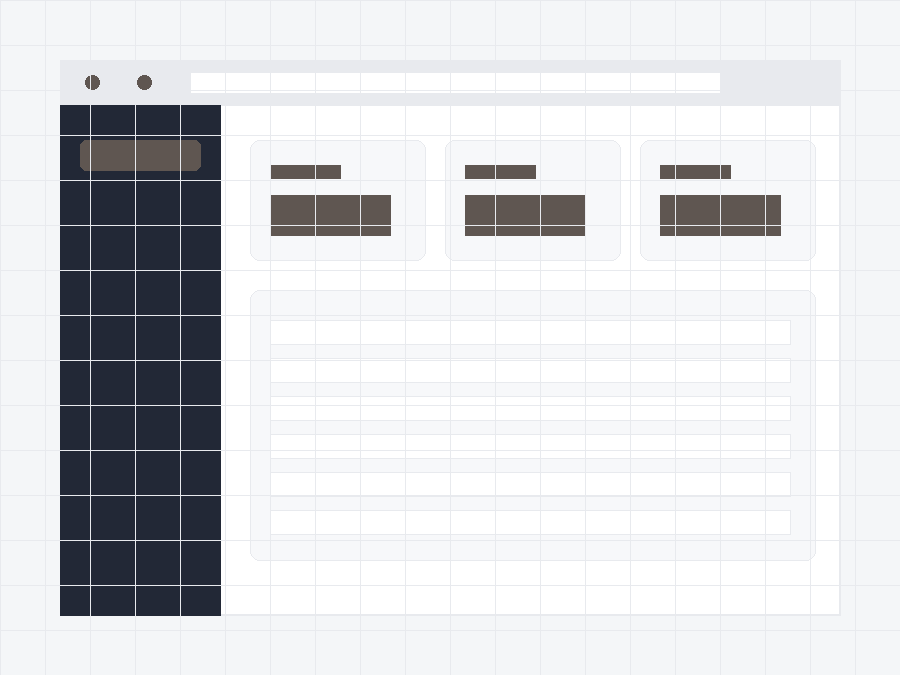
Dashboard screenshot → recolor-ready layers
Try this conversion free →Mobile app screen
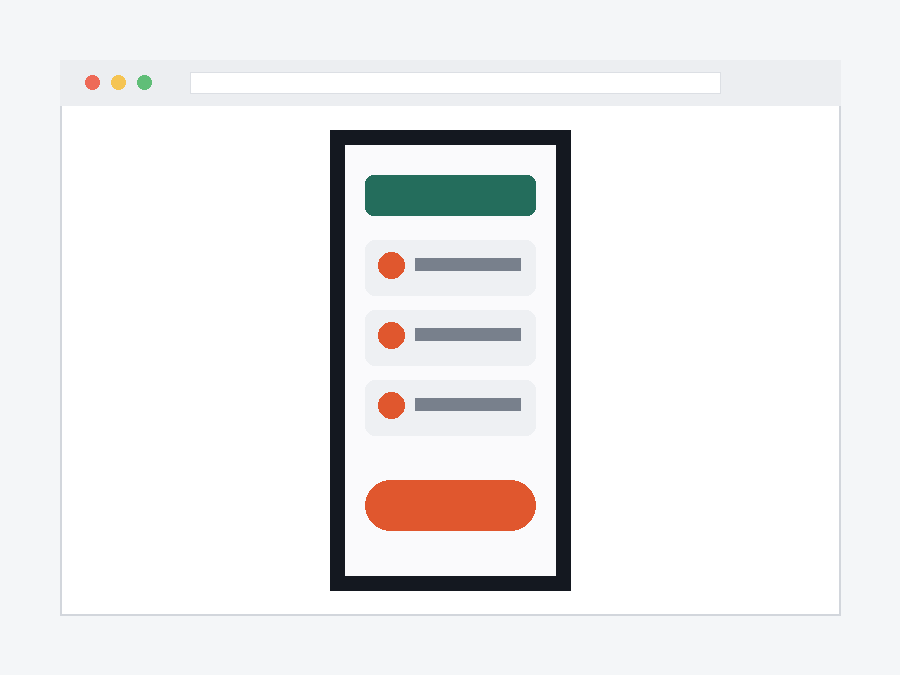
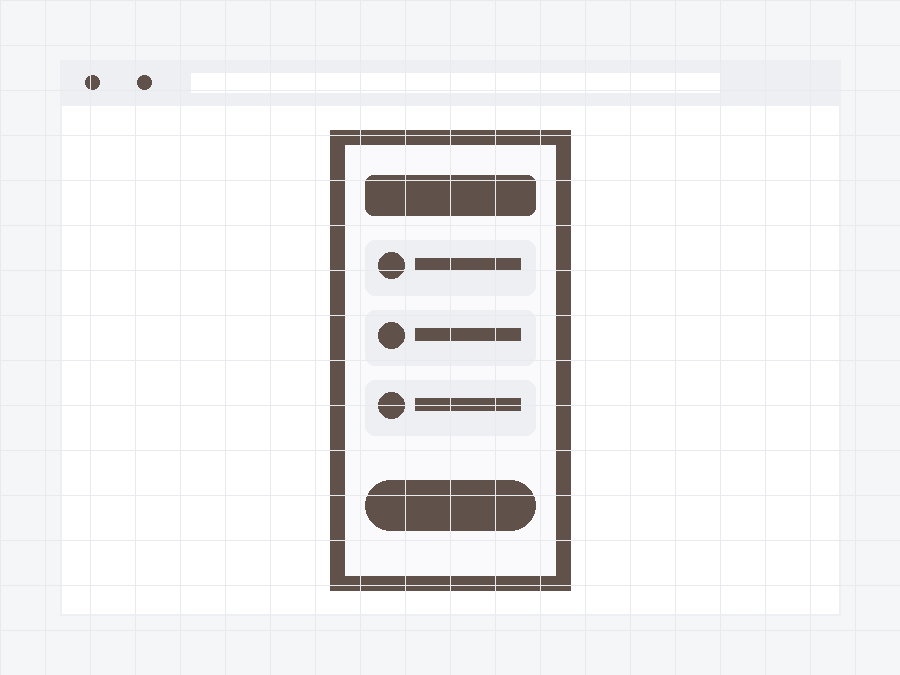
App screen → tidy vector layers
Try this conversion free →Settings panel
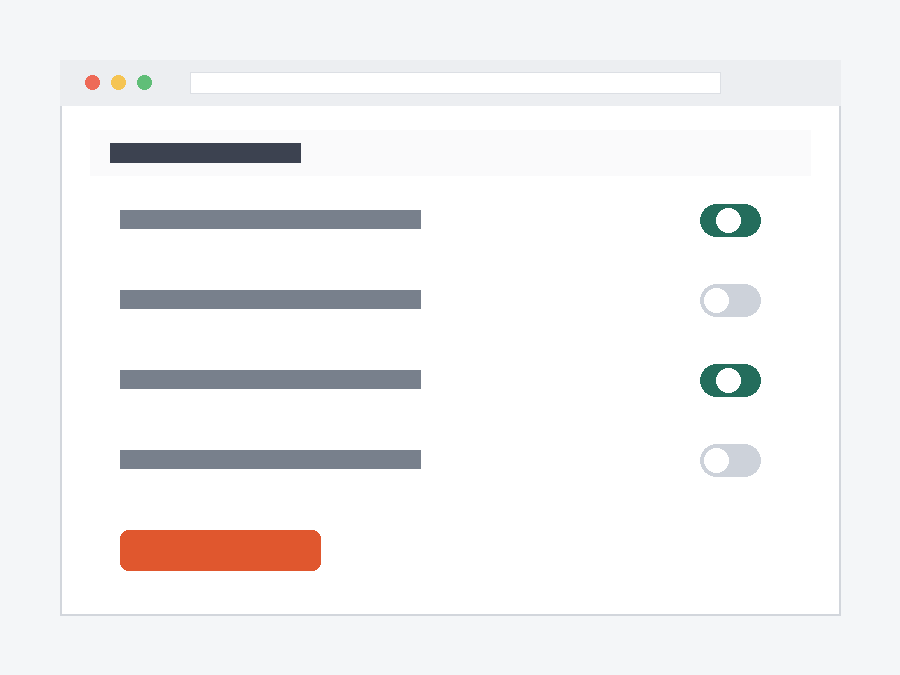
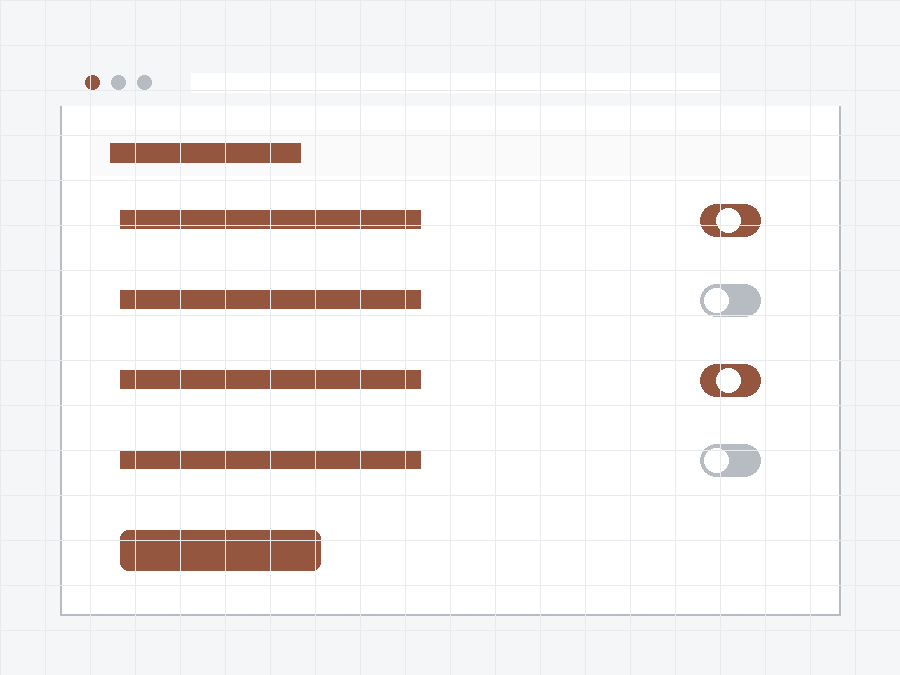
Settings UI → clean, editable SVG
Try this conversion free →Line art & scans
Sketches, stencils and scanned drawings, closed and cut-ready.
Flower line art
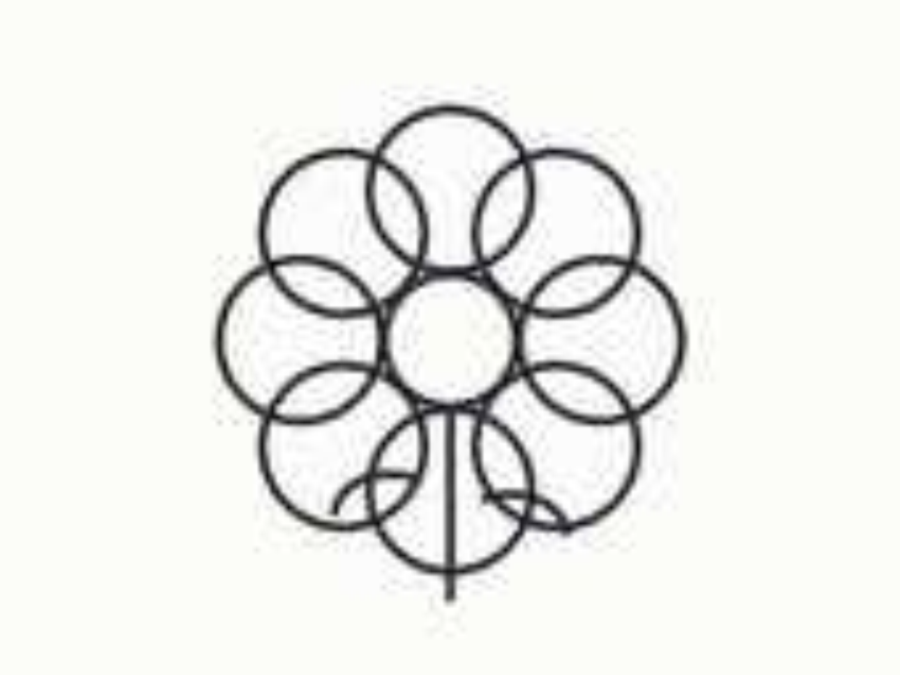
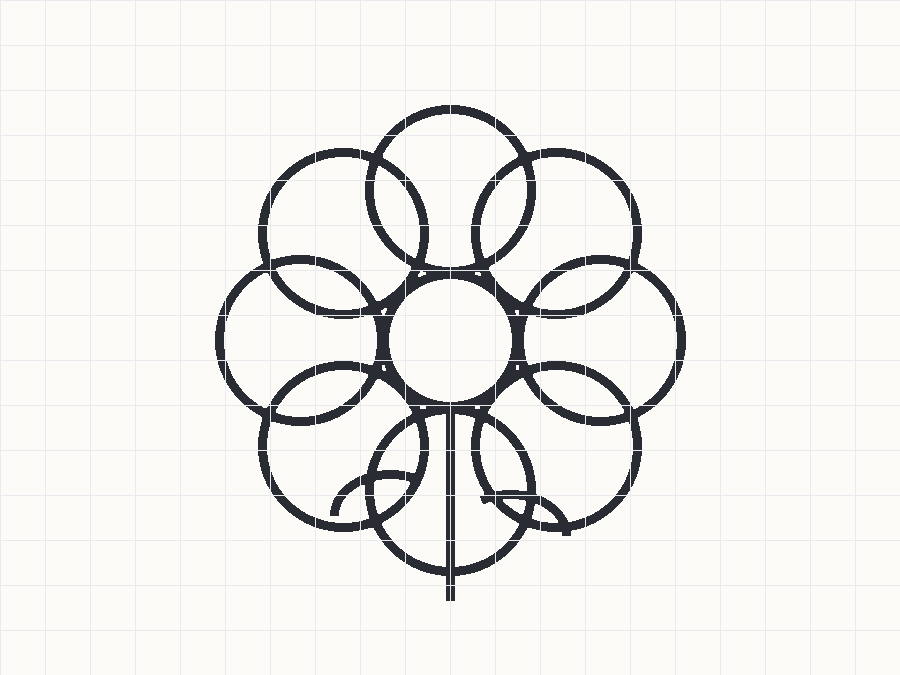
Scanned sketch → closed cut paths
Try this conversion free →Rocket stencil
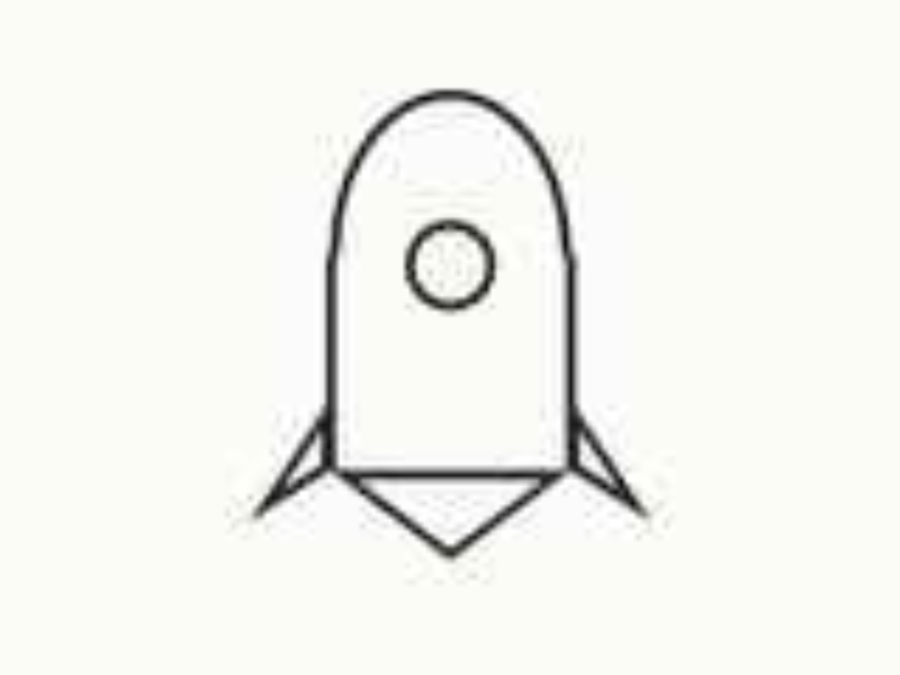
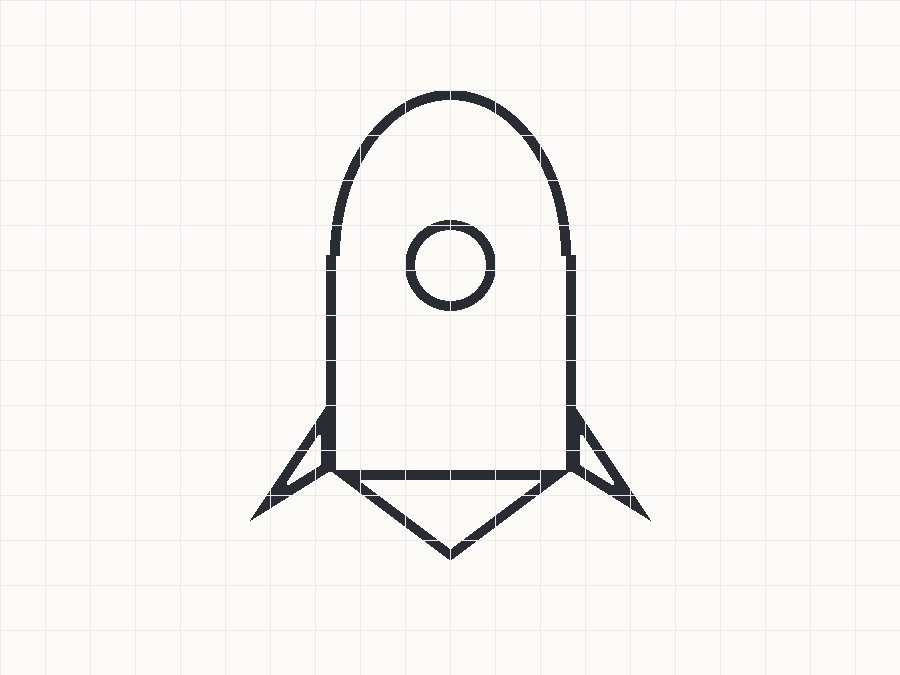
Stencil drawing → clean outline
Try this conversion free →Geometric deer
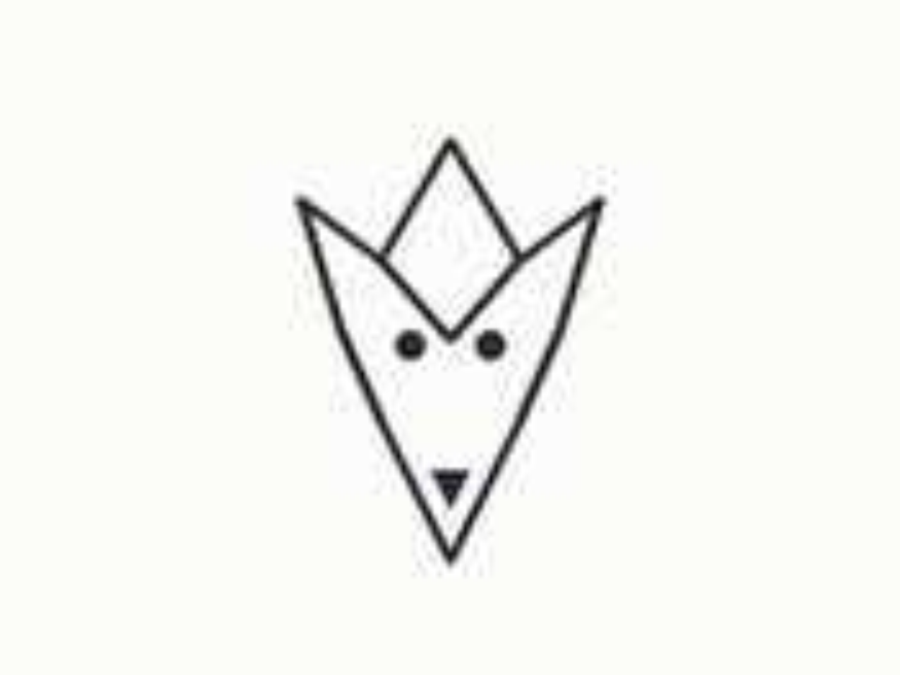
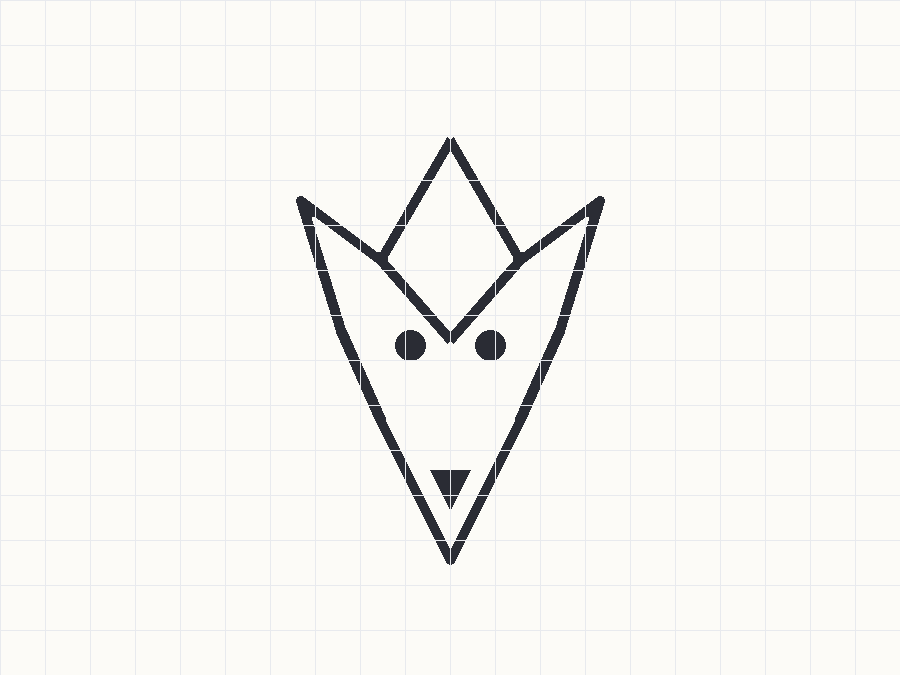
Angular line art → machine-ready
Try this conversion free →Community
Real maker results land here — featured only with explicit opt-in. Nothing yet: the wall opens when the first makers say yes.